Razer Naga V3 Pro Review: Close to Multi-Button Perfection
Jin Soh
The Razer Naga V2 Pro has been my daily driver for a little over three years now. Not just because of its incredibly convenient swappable side plates, but also because it just fits ergonomically well in my hand. The V2 Pro was not without its issues, of course. Some durability and connection problems did arise over the years, but I would go as far as to say it was close to the perfect mouse for me.
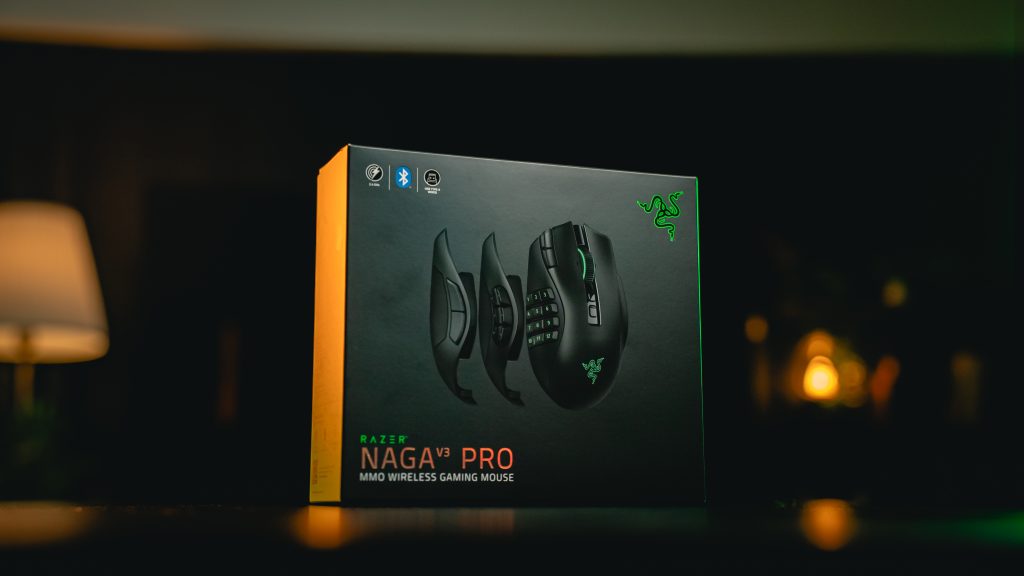
The new Naga V3 Pro aims to close that gap with several notable improvements, and it’s no short list either.
What’s New?
While the mouse maintains the same ergonomic outer silhouette, Razer re-engineered the internals to shave off considerable weight. The Naga V2 Pro sat at a static 134 grams regardless of configuration, whereas the V3 Pro varies dynamically depending on which swappable side module is clicked into place. From 113g with the 6-button plate to 117g with the 12-buttons side plate, it comes in lighter across all setups than the V2.
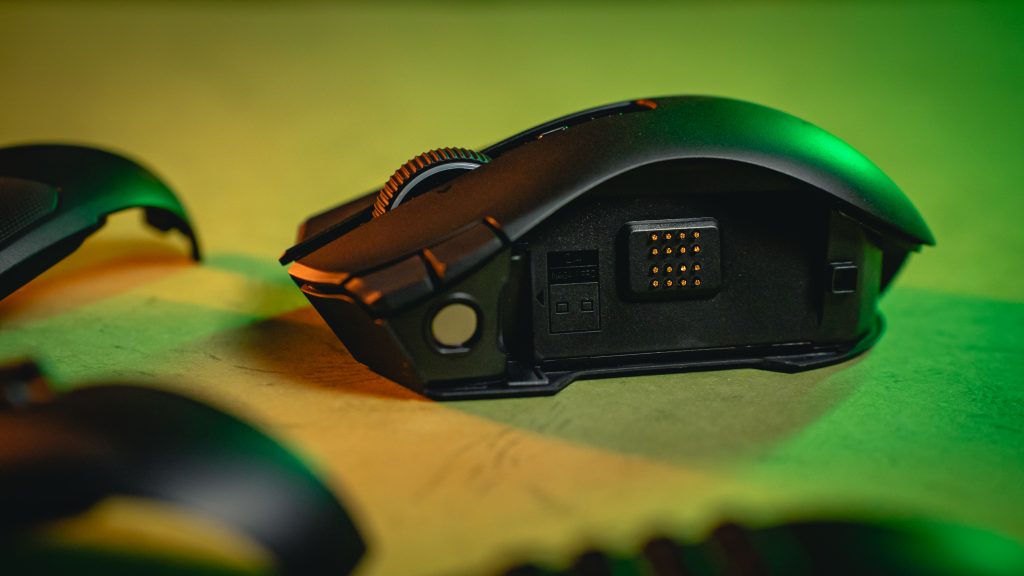
The aforementioned modular side plate system has also been redesigned, with stronger internal magnets and redesigned connection pins to minimise structural wobble and the plate disconnect issues that plagued the V2 Pro over time.
On my old unit, dust and debris gradually found their way into the gaps between the modular attachment, causing some side buttons to stop registering entirely. Reconnecting the side plate or cleaning the pins would restore function temporarily, but it was a recurring frustration. The V3 Pro’s tightened connection system appears to address this directly, but it’s a little too soon to surmise that the issues have been rectified for the long run.
Button Layout
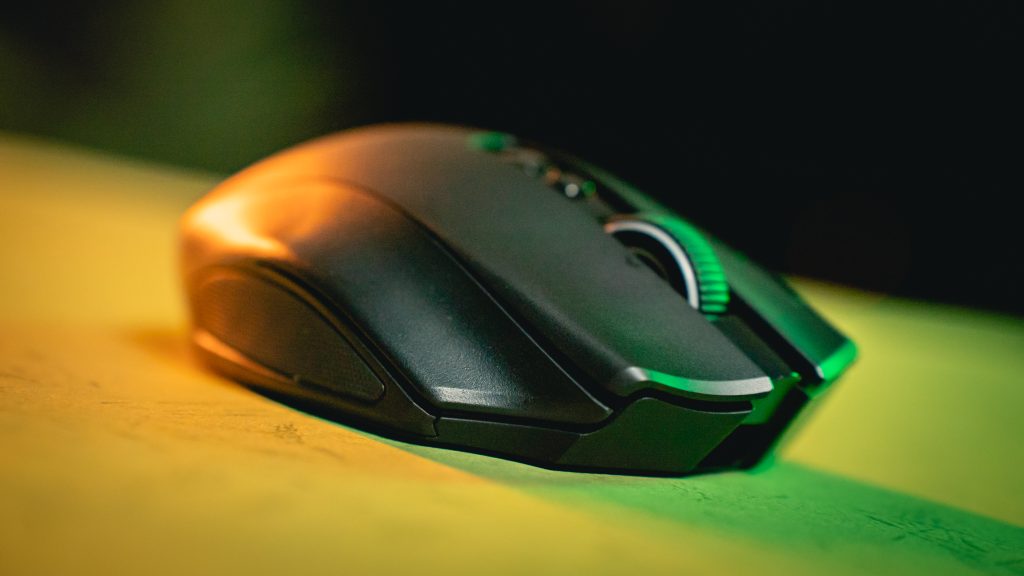
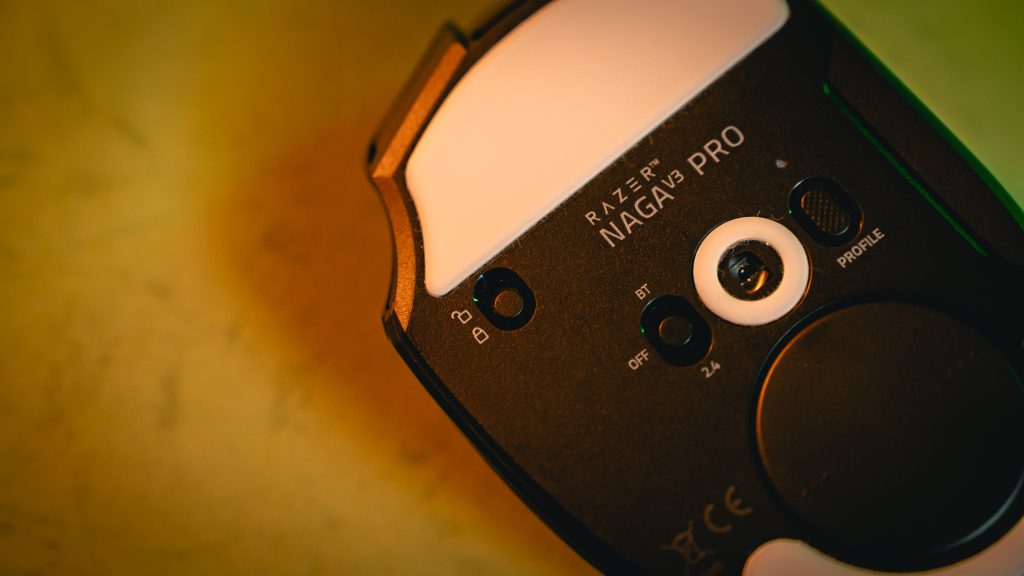
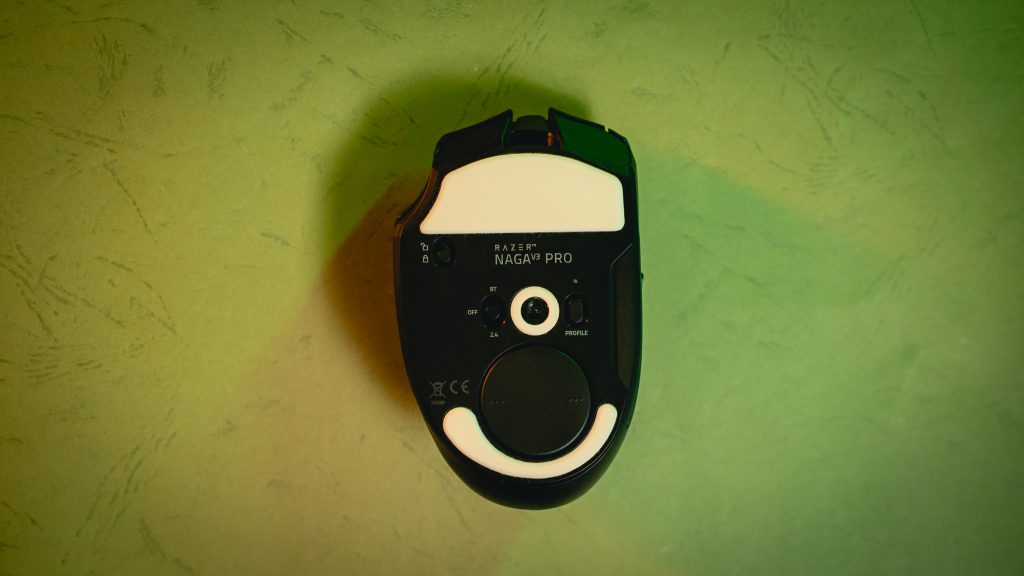
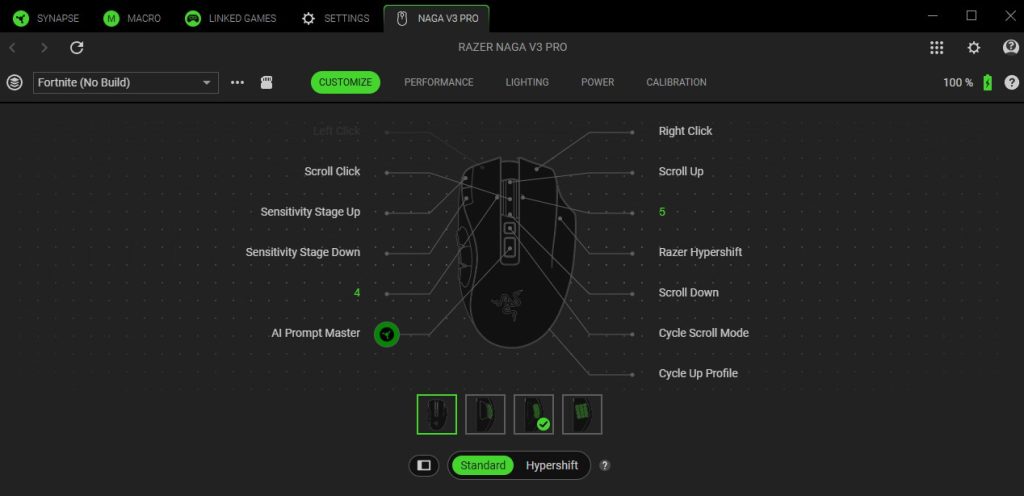
The V3 Pro expands the overall control layout by adding a few new physical inputs not found on the V2 Pro. A dedicated ring-finger rest button, a.k.a the Hypershift button, has also been added to the Pro. To prevent any accidental clicks that plagued competing models with the feature, Razer added a hardware lock and unlock toggle on the underside of the mouse. When unlocked, it can be mapped to macros, sensitivity drops or HyperShift layers.
This is another much appreciated feature as I regularly found myself pressing down on the ring finger section when right-clicking quickly during more intense sessions, so having the lock available means I can leave it disabled until I actually need the extra shortcuts.
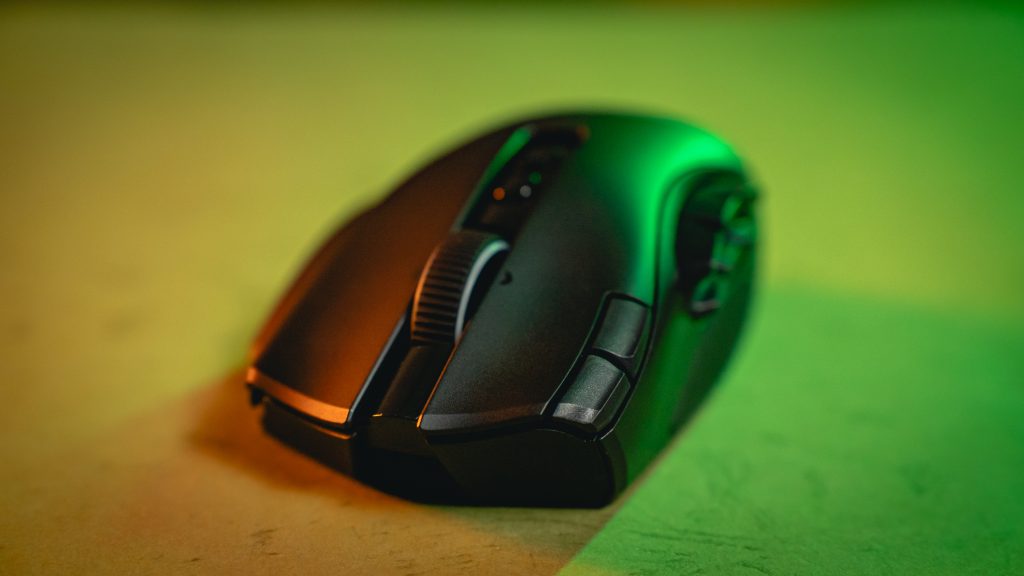
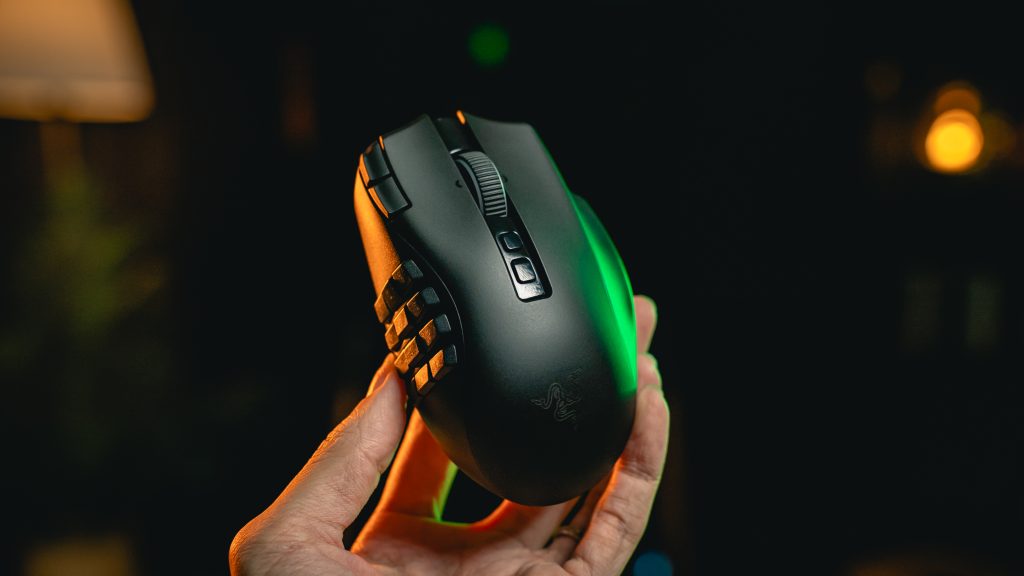
Two new quick-access buttons also sit directly to the top left of the main left-click button, offering DPI shifting and profile switching at the stretch of a finger. The keycaps on the swappable 12, 6 and 2-button side plates are now double-shot injection moulded, meaning the button legends are physically part of the plastic framework rather than printed on. This means they will not fade or rub away over time, which would’ve occurred long-term through sweat and friction.
HyperScroll Wheel
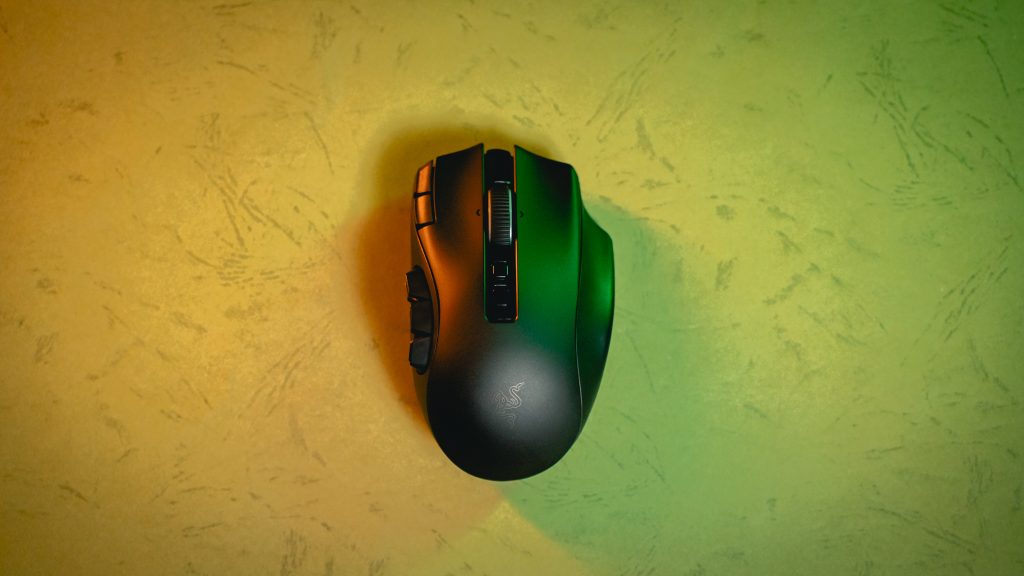
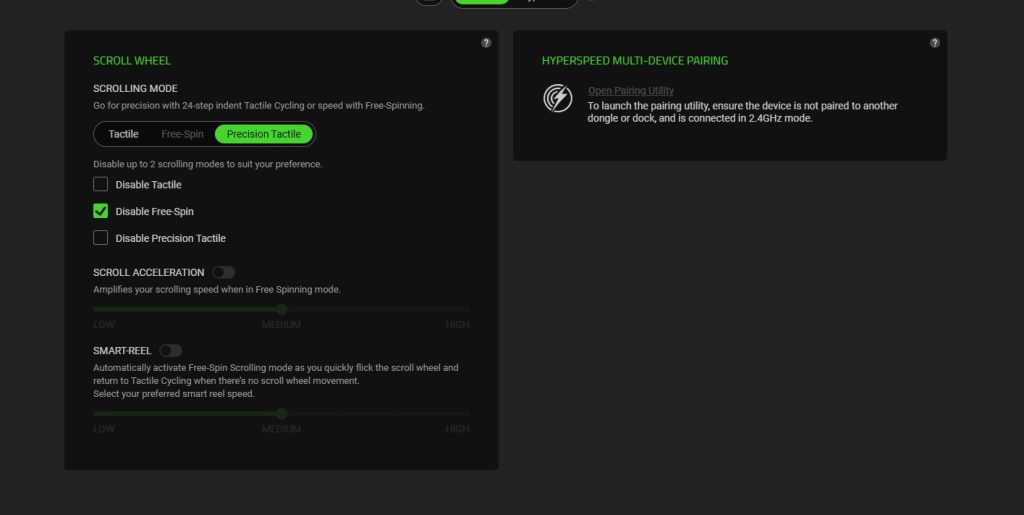
The V3 Pro updates its scroll mechanics with a revised wheel that supports horizontal tilting and three explicit scrolling states. Tactile Mode offers standard 24-step notched scrolling. Precision Tactile Mode tightens this to 48 granular steps for more precise menu navigation. Free-Spin releases the brakes entirely, with Smart-Reel automatically switching to free-spin when the wheel is flicked quickly.
Now, this tweaked scroll wheel is one area where I feel the V3 Pro may have taken a small step back. The new modes are a genuinely useful addition, but compared to the V2 Pro, the wheel feels a touch looser overall, likely a consequence of the weight reduction. The V2 Pro’s scroll had more heft and tactility to it, and I found myself mis-scrolling more easily on the V3 Pro, particularly when attempting to side-click the wheel.
Sensor and Wireless
The Focus Pro 50K Optical Sensor Gen-3 replaces the V2 Pro’s 30K sensor, pushing maximum sensitivity to 50,000 DPI with tracking speeds up to 930 IPS and up to 90G of acceleration. The main left and right click mechanisms use Gen-4 Optical Switches, rated for 100 million clicks up from 90 million, with a slightly quieter and deeper click feel.
In practice, the clicks do feel a touch more weighted and ‘thicker’ compared to the V2 Pro, though I wouldn’t say it’s a change that is immediately noticeable. But the added durability is always an appreciated improvement.
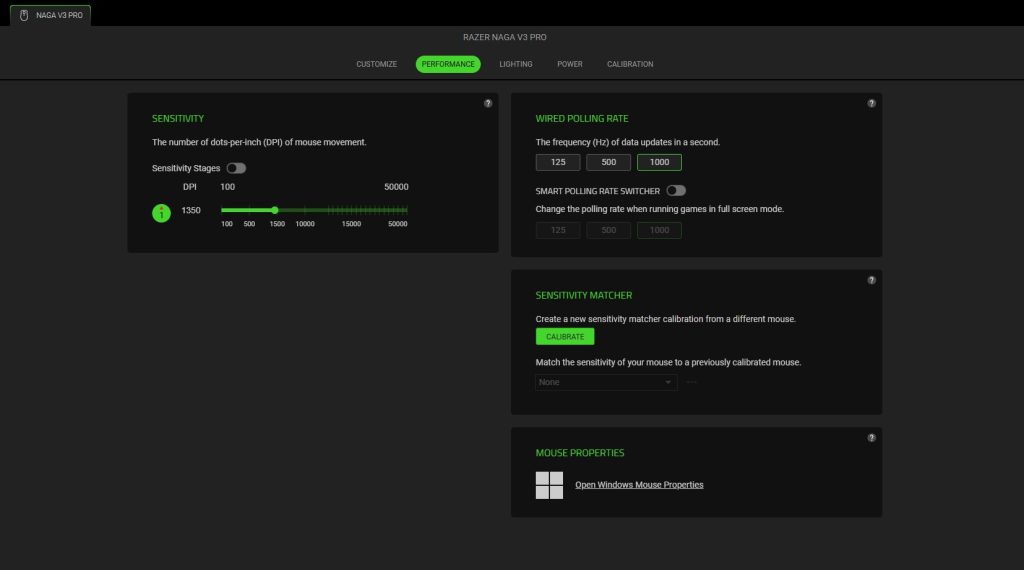
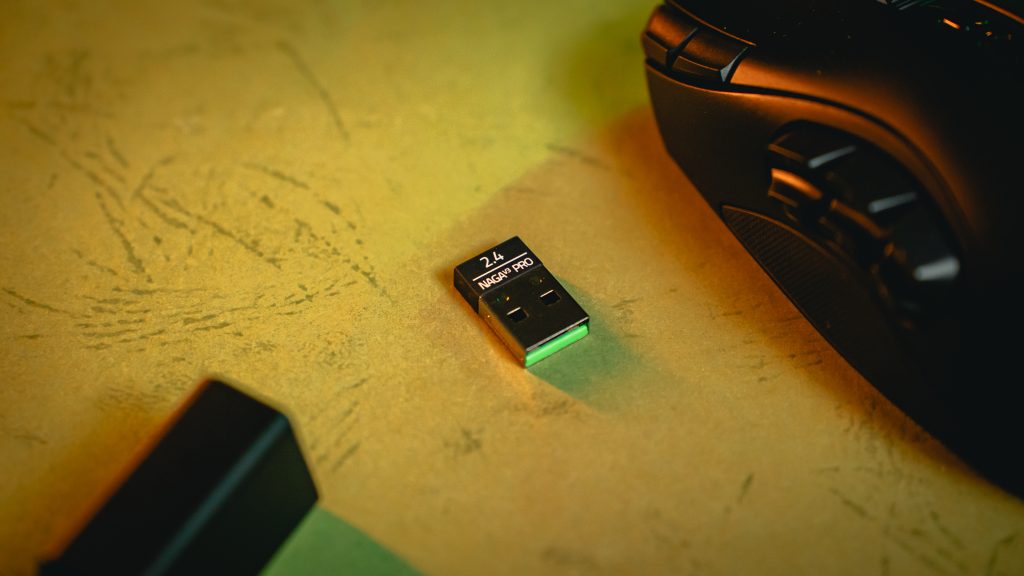
The V3 Pro’s firmware also supports 8,000 Hz wireless polling when paired with an optional HyperPolling Wireless Dongle or Mouse Dock Pro, though it ships with a standard 1,000 Hz USB-A dongle out of the box, so we weren’t able to test this claim.
How Does It Perform?
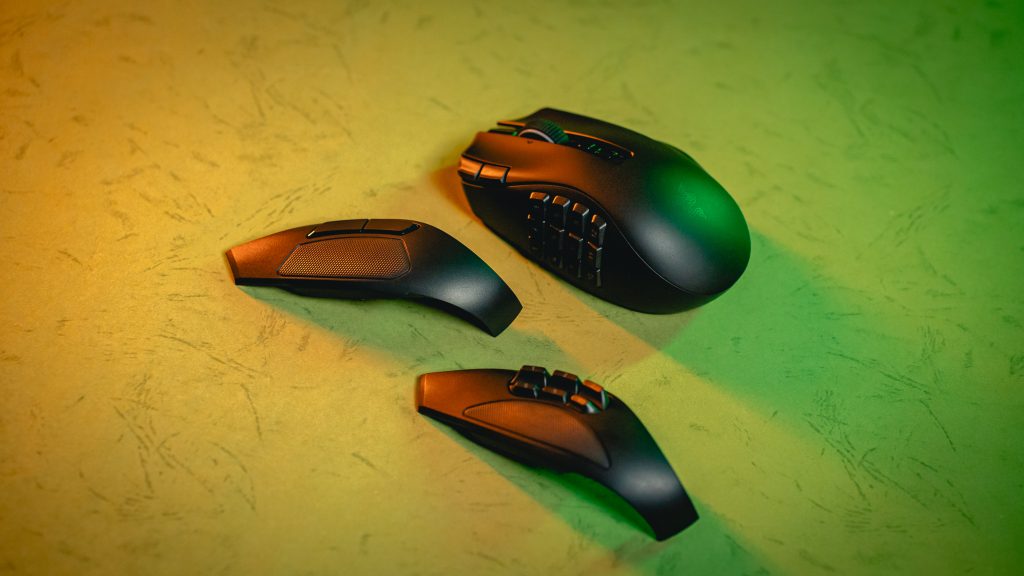
In daily use and gaming, the V3 Pro glides noticeably smoother and faster than the V2 Pro, aided by improved feet. The lighter weight is also immediately apparent, and paired with the new feet, I found I could flick a little quicker while still maintaining control. Despite these differences, there was no steep adjustment curve coming from the V2 Pro. I was able to adapt almost instantaneously, which speaks to how similar the overall feel remains.
I tested both mice back to back across rounds of Fortnite, switching between them in between matches. I was able to use the side button shortcuts on the 6-button panel for build binds and weapon swaps without any issue on the V3 Pro. The most noticeable differences were the weight and glide rather than any change in button feel or layout familiarity.
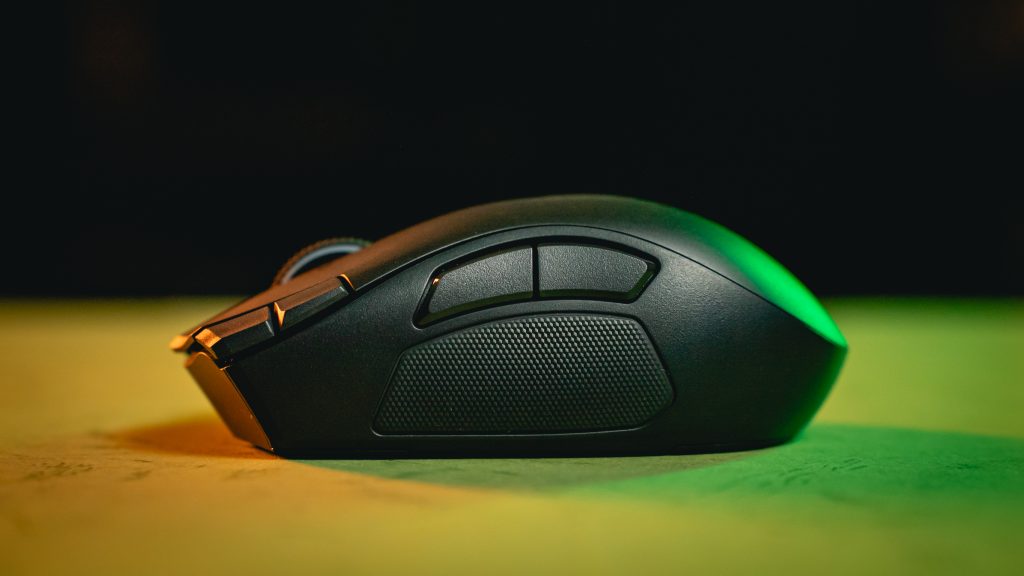
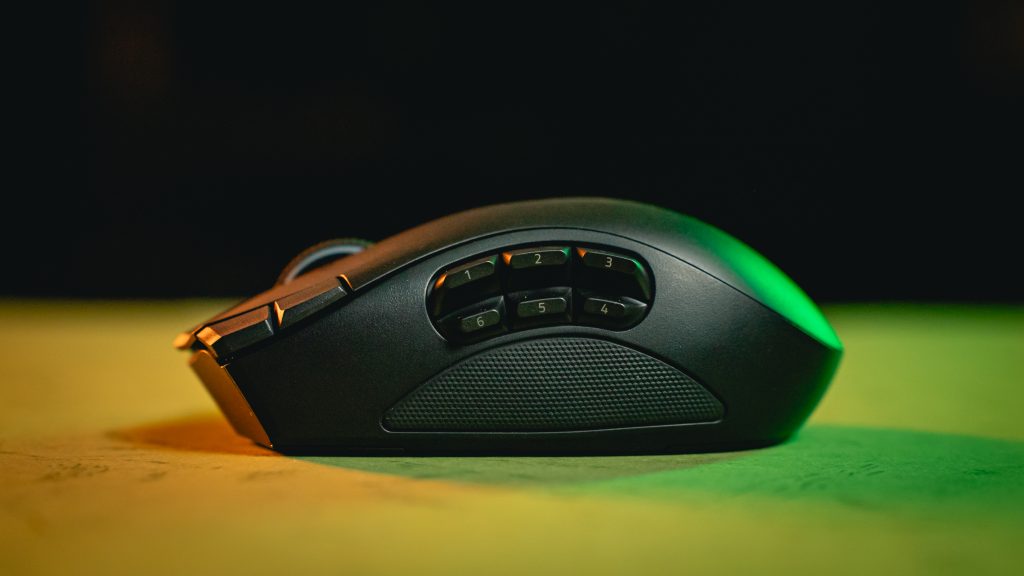
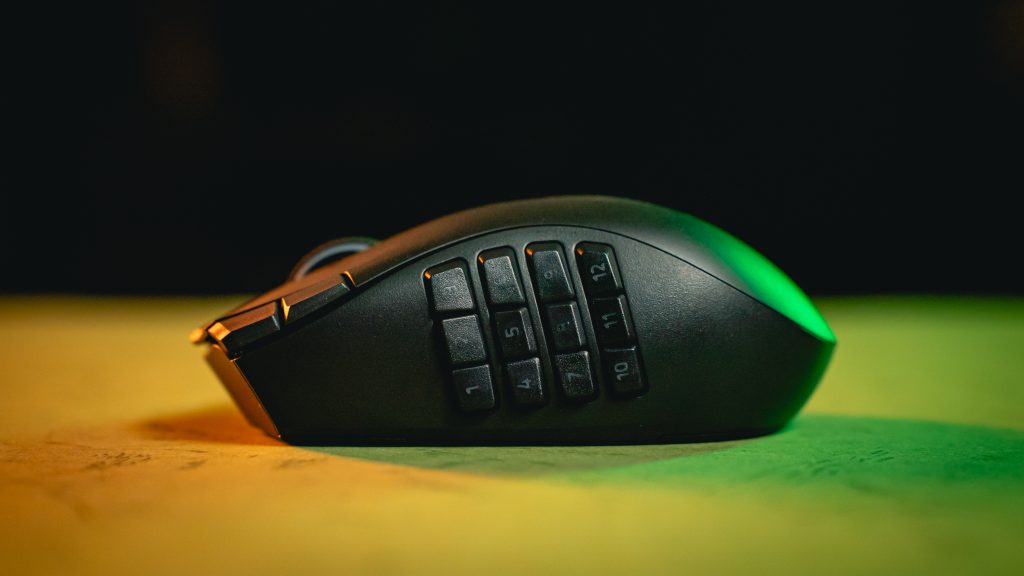
Swapping to the 2-button and 12-button side plates are as simple as the previous generation, pull out the installed side plate held together by magnets, snap on another. a literally 2-second operation. All buttons feel clicky and responsive, my only minor gripe would be that I wished the MMO 12-button plate had a different texture or nubs on some keys to better differentiate them via touch, without looking whilst in the heat of gaming.
The new quick-access edge buttons at the top of the left click also makes it easy for me to toggle the map without having to move my left hand away from the movement keys. It’s also an easier DPI Shift key to reach for rather than the button at the center of the mouse.
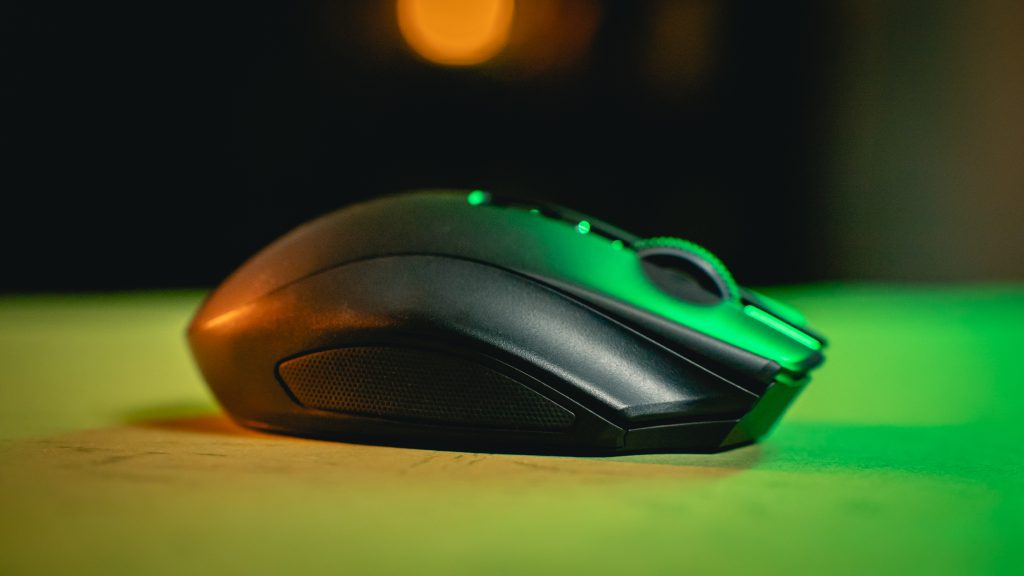
One longer-term note worth pointing out: on my V2 Pro, the rubber on the thumb rest and the right side of the mouse where my pinky sits have scratched and worn quite significantly over three years. This is a consequence of my grip style rather than a fault of the mouse itself, but it is something I will be keeping an eye on with the V3 Pro in the months ahead to see whether the materials hold up differently.
Is It Worth It?
These functionalities and improvements come at a cost, however. The Razer Naga V3 Pro retails at RM769, which is definitely a hefty sum for a mouse. I’d say it’s still worth getting it on sale if this is your preferred form factor and functionality. It would have been nice to have included the 8,000 Hz wireless dongle to put that claim to the test though.
If you are new to MMO-style multi-button mice, the weight and button placement will take some getting used to. But if you already have experience with this category, or if you are coming from the Naga V2 Pro as I am, the Razer Naga V3 Pro is about as good as the form factor gets right now, especially with my previous alternative, the Logitech G602, having gone out of production.
Despite being marketed primarily as an MMO Mouse, the functionality and adaptability of the Naga V3 Pro allows it to be used in multiple genres of games or even just assigning Windows navigation shortcuts to the buttons. You can also just conveniently swap out to a more humble 2-button setup when you don’t need the plethora of buttons, easy.
The improvements are real, the issues are minor and the familiarity is immediate. For multi-button mouse users, you’d be hard-pressed to find a mouse that does it better.