Apple WWDC 2026: The Big Announcements
Jin Soh
Apple held its Worldwide Developers Conference on 9 June 2026, previewing a full slate of software updates arriving this fall across iOS 27, iPadOS 27, macOS 27, watchOS 27, visionOS 27 and tvOS 27. Here is a recap of everything announced.
Siri AI
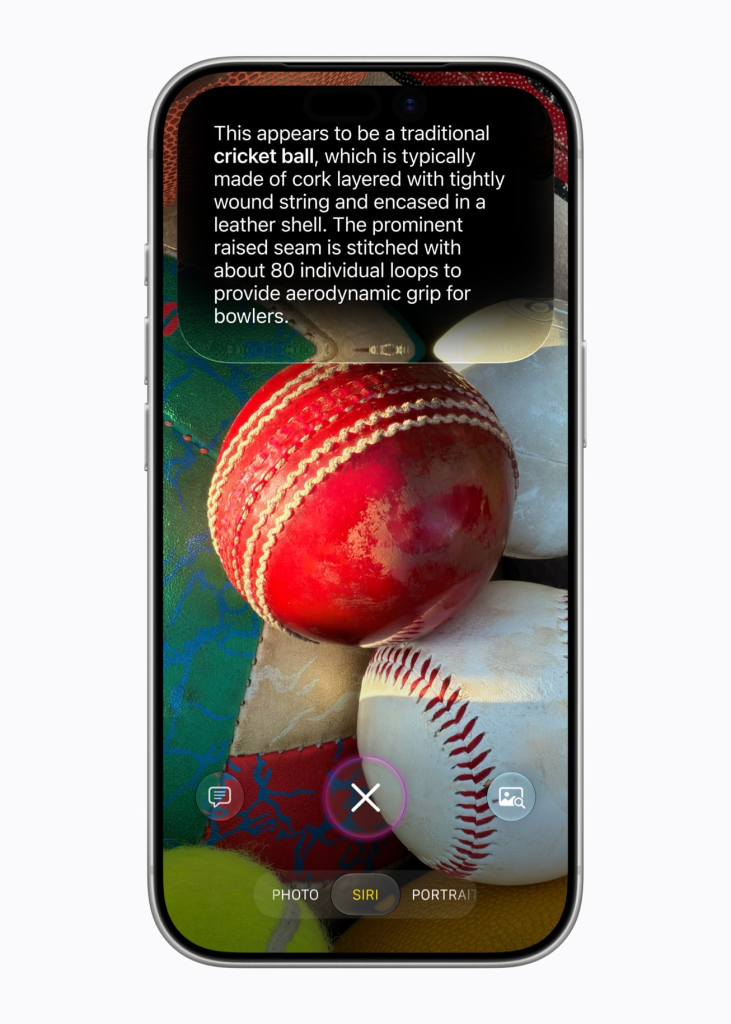
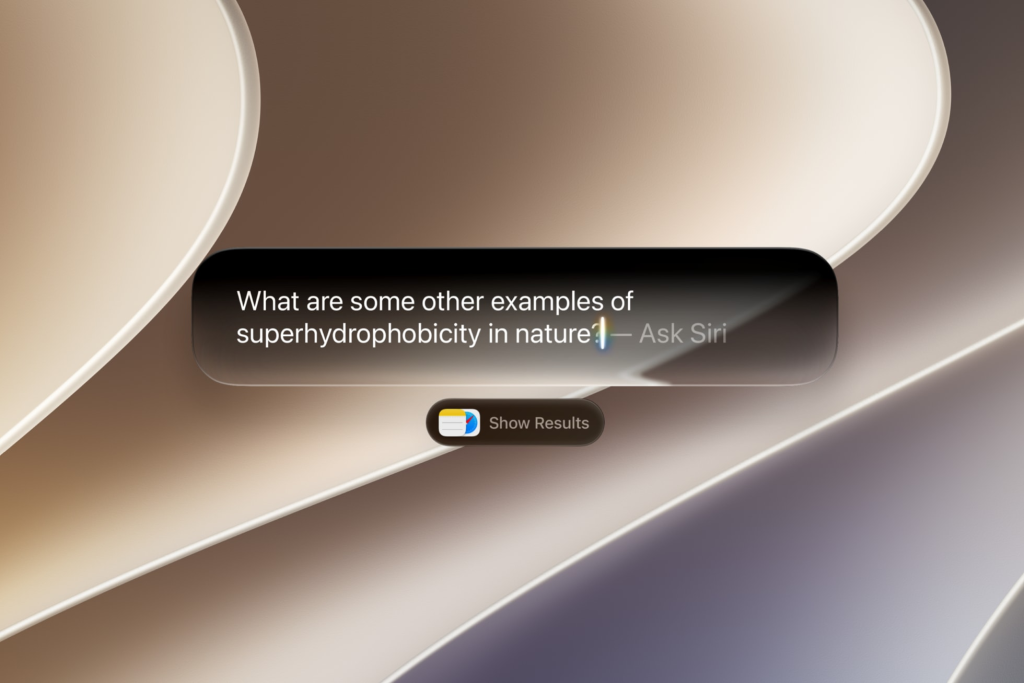
The headline announcement of WWDC 2026 is Siri AI, a complete rebuild of Siri powered by the next generation of Apple Intelligence. The new Siri is described as being more capable and conversational, with personal context understanding that lets it search across a user’s messages, emails, photos and more to surface relevant information on demand.
It also draws on broad world knowledge to answer questions from the web and carries onscreen awareness to answer questions about whatever is currently displayed.
A dedicated Siri app is being introduced for the first time, letting users revisit past conversations and start new ones, with iCloud syncing conversation history privately across all Apple devices. Siri can now also be invoked by swiping down from the Dynamic Island on iPhone. On iPad and macOS, Siri is integrated directly into Spotlight.
Visual Intelligence with Siri is also expanding beyond iPhone to iPad, Mac and Apple Vision Pro for the first time. On iPhone, a new Siri mode in the Camera app lets users tap the shutter button to let Siri analyse what is in frame and take action, including pulling nutritional information from a plate of food. On Mac, a keyboard shortcut lets users select anything on screen and ask Siri about it directly.
Siri AI will be available as a beta later this year for English users on iPhone 16 or later, iPhone 15 Pro and Pro Max, and compatible iPad and Mac models. It will not be available in China while Apple navigates regulatory requirements, and due to the EU’s Digital Markets Act, Siri AI will also not be available on iOS 27 or iPadOS 27 in the European Union at launch. EU users will be able to access it on macOS 27, visionOS 27 and watchOS 27.
Apple Intelligence
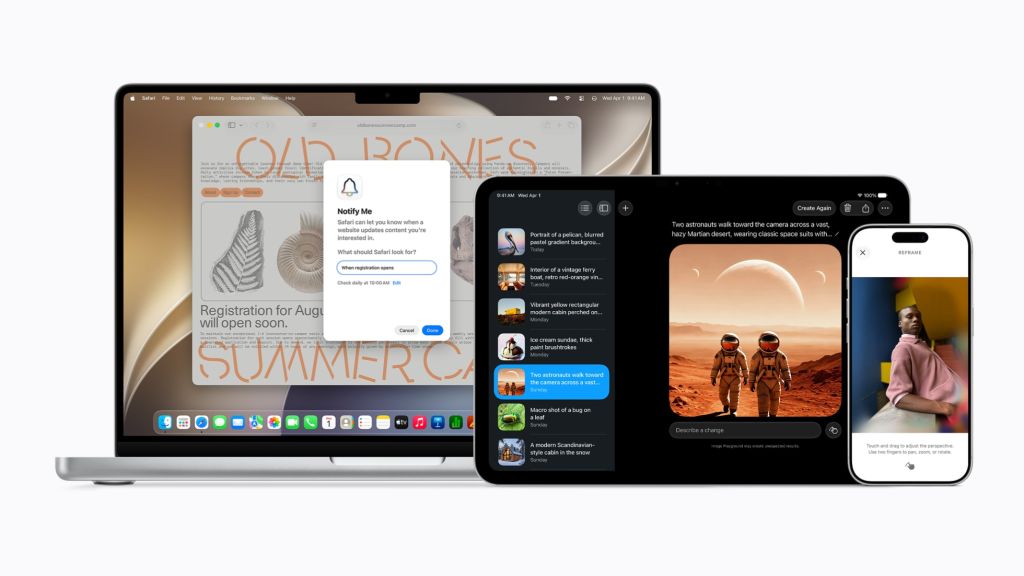
Beyond Siri AI, the next generation of Apple Intelligence brings a wide range of new capabilities across the system. In Photos, a new Spatial Reframing tool lets users shift the perspective of a photo after the fact by dragging it, as if repositioning the camera in the original scene. An Extend tool fills in missing areas when adjusting composition or aspect ratio, and the Clean Up tool receives a significant quality upgrade for more realistic removal of distractions. All AI-edited photos will carry a hidden SynthID watermark.
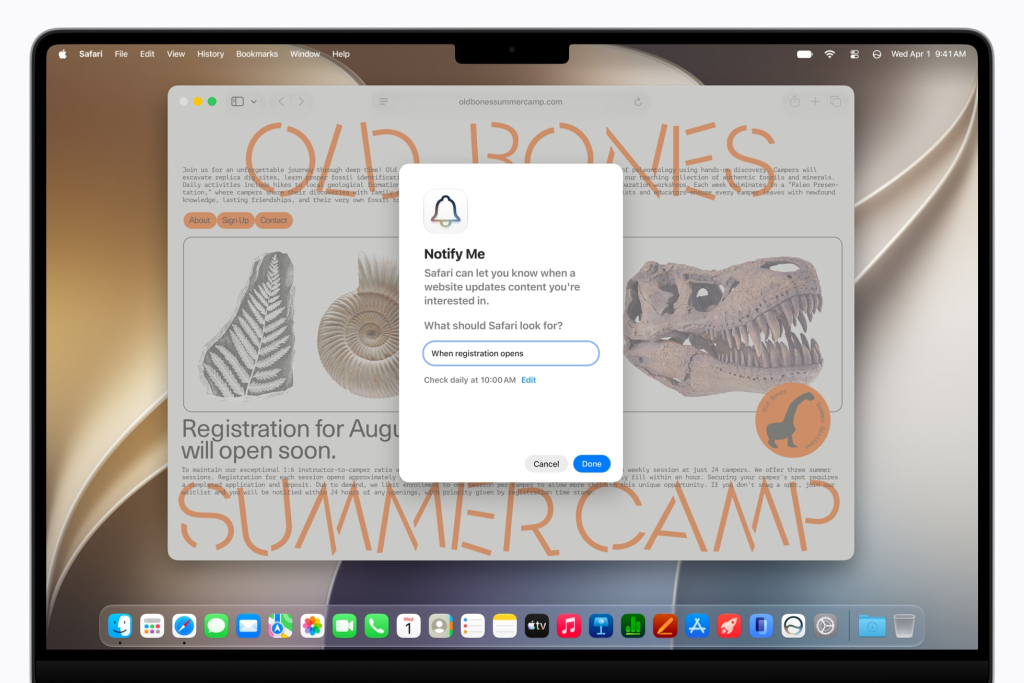
In Safari, tabs can now be automatically organised into relevant topic groups as users browse. A new Notify Me feature monitors web pages for changes such as restocks or price drops and sends a notification when detected. Passwords gains the ability to automatically fix weak or compromised credentials by navigating to the relevant website and updating the account on the user’s behalf. A new Describe an Extension feature lets users create custom Safari extensions by simply describing what they want.
In Messages, one-tap suggestions based on conversation context make it easier to act on incoming requests, including finding relevant photos from the user’s library. In Mail, Smart Reply now draws on the user’s personalised writing style, and suggestions can take action with third-party apps. A new Call Context feature in the Phone app proactively surfaces relevant information, such as confirmation codes from Mail, when a user calls a business. Everything in Call Context runs entirely on device.
Additional Apple Intelligence updates include automatic proofreading across the system, intelligent file and folder naming suggestions, improved Genmoji quality and Workout Buddy now available in Spanish.
Parental Controls and Screen Time
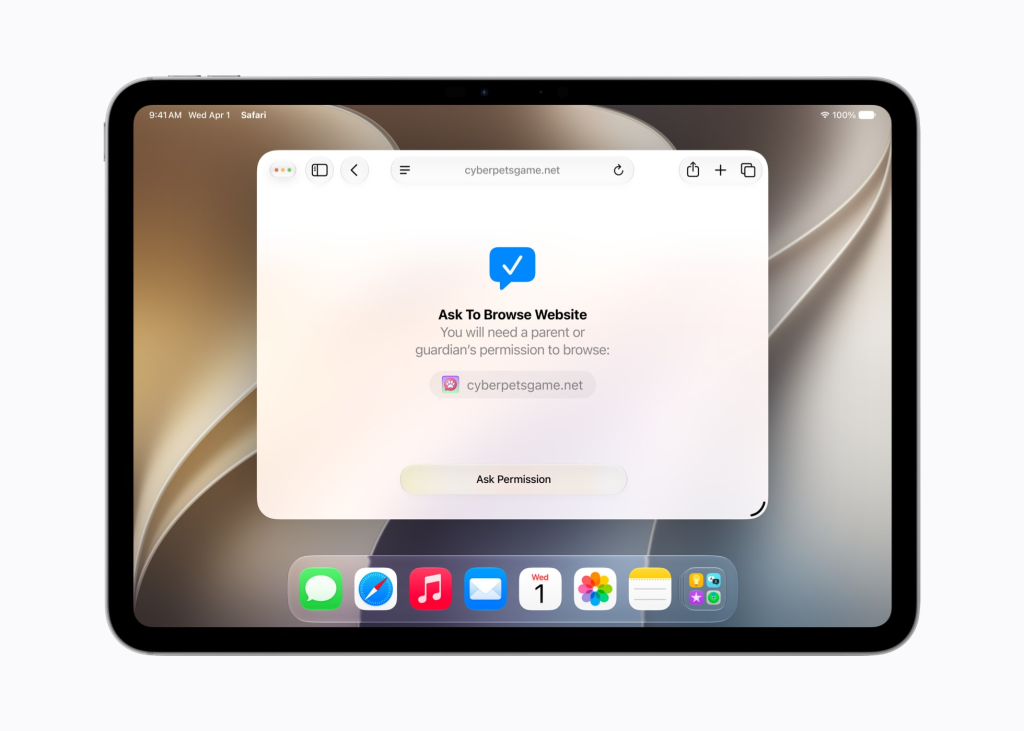
Setting up a child account now automatically enables age-appropriate protections across the system, with a guided setup that lets parents choose which apps to make available from the start. A new Ask to Browse feature works alongside the existing Ask to Buy, requiring children to request permission before accessing new websites in Safari. Parents can also require approval before their child connects with any new contact across Messages, FaceTime and Phone.
Time Allowances introduce daily limits across app categories including Entertainment, Games and Social Media, with age-based recommendations drawn from clinical and child development research as a starting point. Schedules let parents define which apps are accessible at different times of day. Communication Safety, which already blurs nudity in Messages and FaceTime, now also intervenes on gore and violent content in shared images and videos.
Performance Improvements
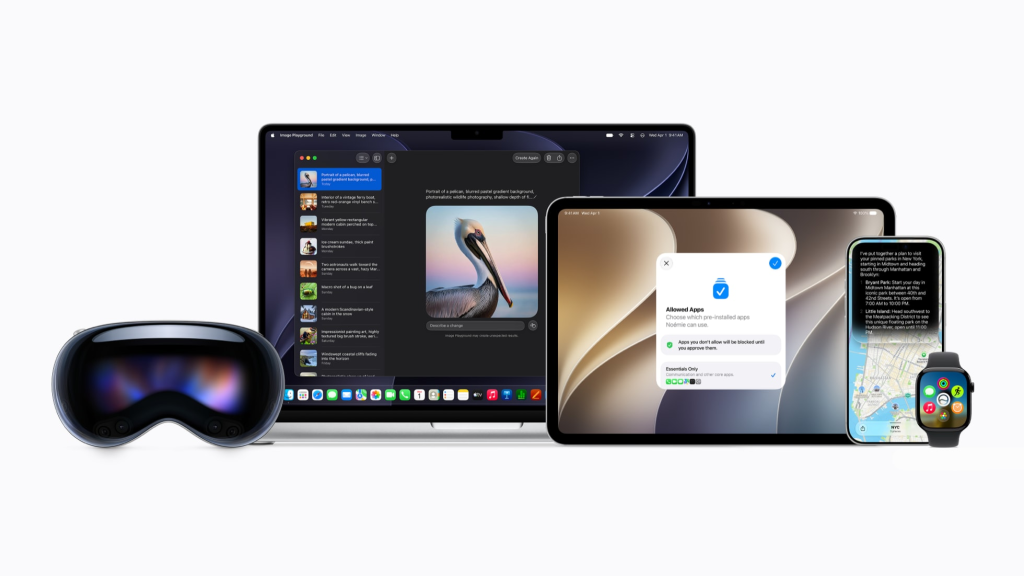
Across all platforms, the 2027 software releases bring meaningful performance gains. Apps on iPhone and iPad launch up to 30% faster, photos load up to 70% faster after being taken, AirDrop transfers are up to 80% faster and file browsing between iPad and external drives is up to five times faster. Search has been rebuilt in Spotlight, Photos and Mail for more stable and efficient results.
Design refinements include a new Settings slider for personalising the Liquid Glass transparency level, sharper app icons and, on Mac, a return to more traditional design elements including uniform toolbars, edge-to-edge sidebars and coloured sidebar icons.
App Store Updates
The App Store is gaining Creative Assets, a new format of rich images and videos that appear in product page headers and search results for more expressive app marketing. Personalised Collections based on user interests and App Notes explaining recommendations are rolling out in the Apps, Games and Search tabs.
App Store Bundles will let users subscribe to apps from multiple developers at a reduced combined price. Apps on the Mac App Store no longer require Intel support, allowing developers to ship Apple silicon-only builds.
All features are available for developer testing now through the Apple Developer Program, with a public beta arriving next month. The full software releases are expected this fall as free updates.